


A lot of what's sold as an AI agent is a chatbot with a new name. The real ones are useful, and the reason is the opposite of the sales pitch: the AI agents that work best have a narrow job, read-only access to almost everything, and a person checking anything that matters.
An AI agent is an AI model that can take actions as well as answer questions. It decides which tool to use, uses it, looks at the result and works out what to do next, until the task is done.
We're the LikeFury team, a software, DevOps and AWS team in Auckland. We build agents with Claude, with open models we host ourselves on vLLM, and with Python, using both open and closed models. This guide is what we've seen work and fail. It covers:
- What an AI agent is, and isn't
- What AI agents for business do well
- Where AI agents fail
- How to keep an AI agent safe
- Is agentic AI anything more than a new label?
- Where to start
- Common questions
What an AI agent is, and isn't
Anthropic, which makes Claude, draws a useful line in its guide to building effective agents. In a workflow, the AI and its tools follow steps someone wrote in advance. With an agent, "LLMs dynamically direct their own processes and tool usage, maintaining control over how they accomplish tasks."
| Chatbot | AI workflow | AI agent | |
|---|---|---|---|
| What it does | Answers questions in a conversation | Runs a fixed sequence of steps, with AI doing some of them | Chooses its own steps and tools to finish a task |
| Who decides the next step | The person typing | The developer who built it | The AI model |
| Example | Answering questions about opening hours | Pulling the date and amount out of every invoice that arrives | Looking up a customer's question across three systems and drafting a reply |
| What goes wrong | Wrong answers | A step breaks when the input changes | Wrong actions, loops and cost |
The same guide recommends "finding the simplest solution possible, and only increasing complexity when needed". We agree. Plenty of jobs sold as agentic are better as a workflow: cheaper to run, more predictable and easier to check.

What AI agents for business do well
These are agents and agent-style tools we've built. Each one has a narrow job.
A chatbot that knows your business
A chatbot on its own answers from whatever the model learned in training, which knows nothing about your business. We build chatbots with tools into the company's own data, so before it replies, it looks things up in the company's systems. Its answers come with the company's context: your products, your policies, your records.
Company data, available to your staff's AI assistant
For a legacy publishing business, we connected the company's data to AI models through an MCP server. MCP (Model Context Protocol) is an open standard for connecting AI assistants to outside data and tools. With it in place, staff can ask their AI agent questions about the company's own data. We've also connected company data to Claude Desktop, so staff can combine several data sources in one question.
AI in the development team
At the same business, AI now reviews code, helps get pull requests merged sooner, and helps with bug fixes, refactoring and data analysis.
Sorting documents
We've built agents that classify incoming documents into the categories a business uses, so each one lands in the right place without someone reading it first.
What these have in common: they read far more than they write. That isn't an accident, and it comes up again in the safety section.
Where AI agents fail
These are the failures we've run into on real projects.
Pulling out the wrong information
An agent can find the wrong record, or the right document and the wrong figure in it, and then answer as confidently as if it were right. Models can also produce answers that are simply made up. OWASP, the security organisation, lists this as misinformation in its top 10 risks for AI applications. The more steps an agent takes, the more chances it has to pick up a wrong fact early and build on it.
Loops and runaway conversations
An agent can get stuck retrying a tool call that keeps failing, or two steps can keep handing work back and forth. Conversations can drift and run on long after they stopped being useful. Most AI providers charge by usage, so every extra turn costs money, and nothing stops a loop on its own unless you've set a limit. OWASP calls this "unbounded consumption".
Too much access
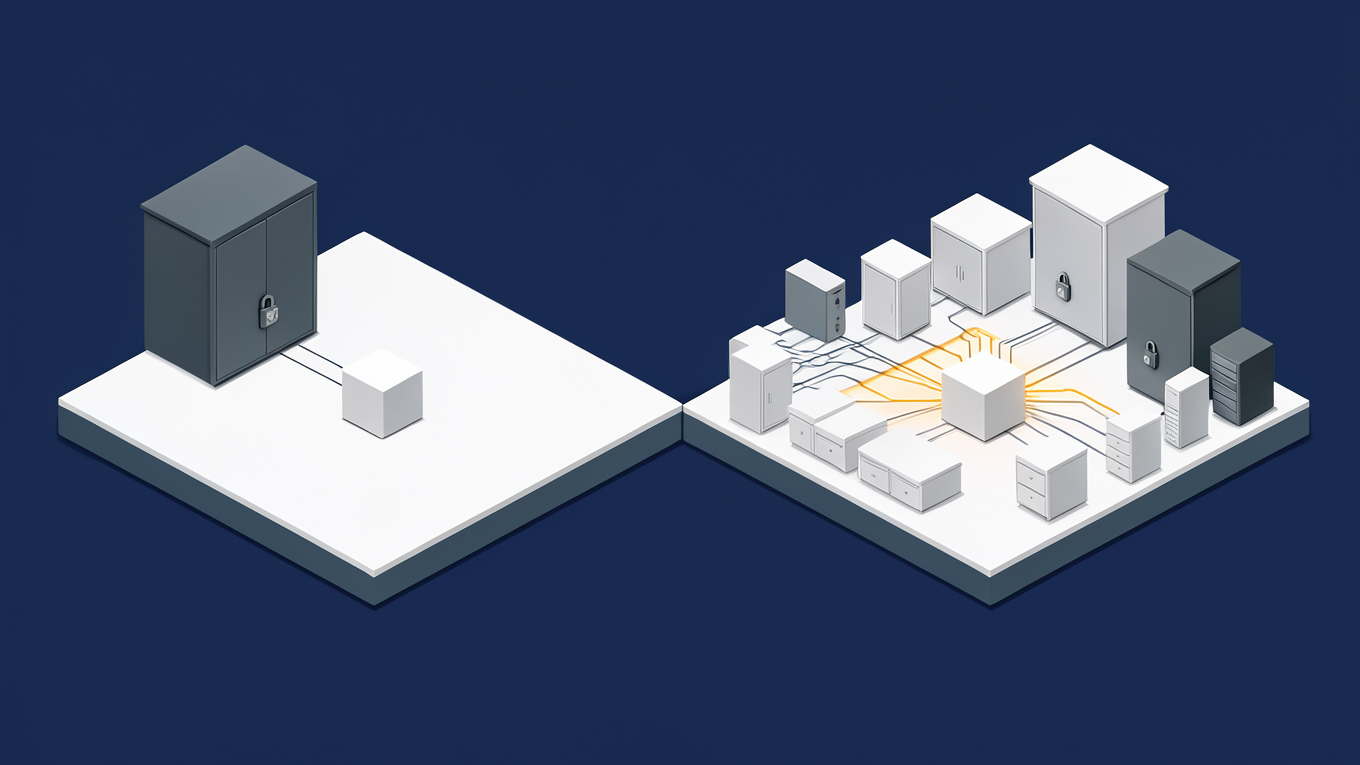
An agent that can write to your systems can do damage when it misreads a request, or when someone deliberately hides instructions for it in an email, a document or a web page. That second one is called prompt injection, and it's number one on OWASP's list. OWASP calls the underlying problem excessive agency and gives three causes:
- the agent has functions it doesn't need
- the systems it connects to give it more permissions than the job needs
- it can take high-impact actions without anyone approving them
How to keep an AI agent safe
This is how we set agents up. None of it is exotic, and all of it is easier to do before the agent is built than after.
Read-only wherever possible
Most useful agents only need to read. Give an agent read access to the data its job needs and nothing more, and enforce that in the system it connects to, for example with a read-only database user, instead of trusting the instructions in its prompt to hold the line.
A person approves anything that can't be undone
That includes paying or moving money, sending anything to a customer, deleting records, and decisions with legal or financial consequences.
Spending caps
Set a spending limit with the AI provider, and a limit on how many steps or turns an agent can take, so a loop stops by itself instead of running up a bill.
Logging
Record every tool the agent calls and what came back. When an answer is wrong, the log shows where it went wrong, and it shows loops early.
A data strategy
Decide before you build what data the agent can see, which model it goes to and where it's stored. If the data can't leave your network, an open model can run on your own servers instead of going to an outside provider. MBIE's Responsible AI Guidance for Businesses covers the wider governance questions.
Is agentic AI anything more than a new label?
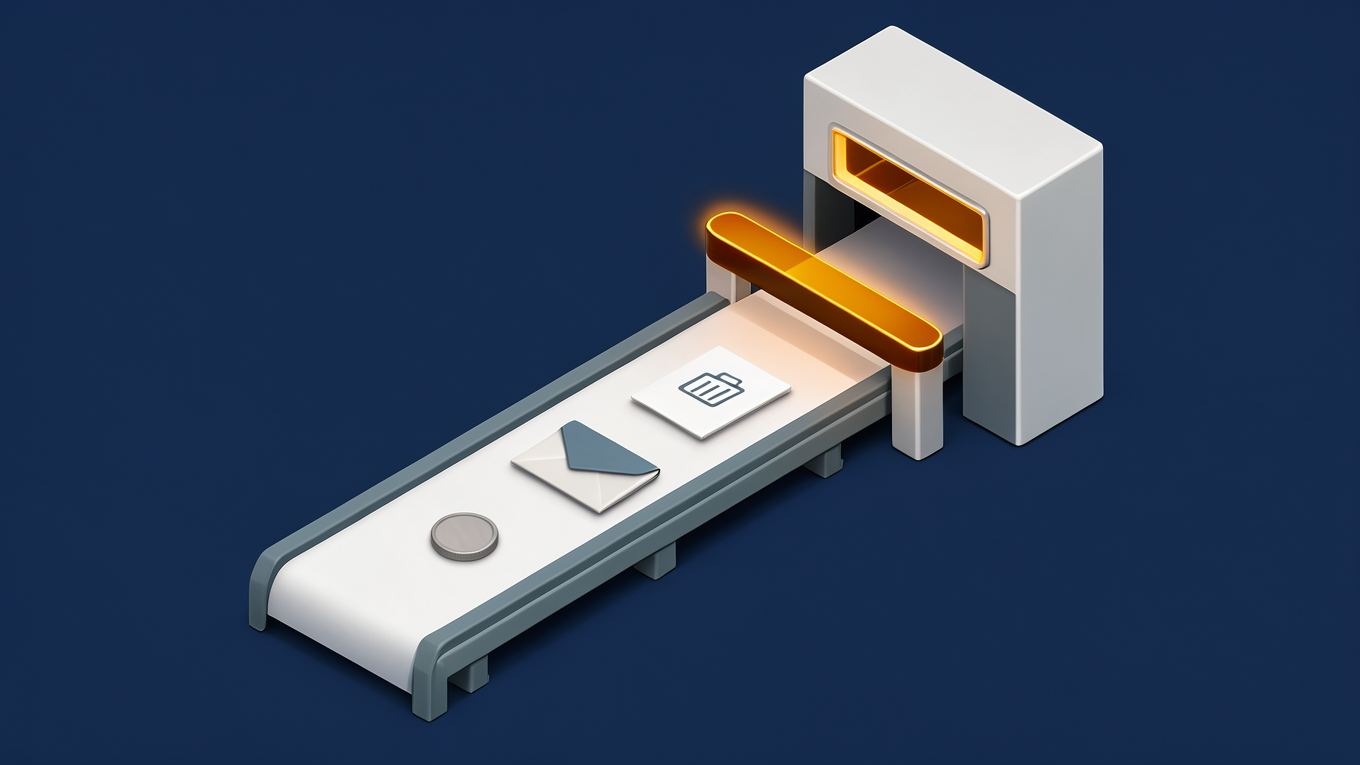
Partly. Agentic AI describes something real: models that choose their own steps and tools. But the label is being stretched. In June 2025, Gartner described "agent washing", where vendors rebrand existing products such as chatbots and robotic process automation tools as agentic. It estimated that only about 130 of the thousands of agentic AI vendors are real. It also predicted that over 40% of agentic AI projects will be cancelled by the end of 2027, because of escalating costs, unclear business value or inadequate risk controls.
When someone sells you an agent, ask what it decides on its own. If the answer is "nothing, it follows the steps we set up", it's a workflow, and that's often what you want. If it does choose its own steps, ask what it's allowed to touch.
Where to start
Pick one job that's repetitive, mostly reading, and easy to check, such as answering staff questions from your own documents or sorting incoming documents. Build it with read-only access, a spending cap and logging, and run it alongside the person who does the job now. Once it's been right for long enough that checking it feels like a formality, give it the next step.
Our AI automation service builds agents like these. If you're not sure where AI fits in your business yet, start with AI consulting.
AI agents: common questions
What's the difference between an AI agent and a chatbot?
A chatbot answers questions in a conversation. An AI agent can take actions: it chooses tools, uses them, checks the result and decides what to do next. Many products sold as agents are chatbots or fixed workflows with a new label.
What does an AI agent cost to run?
Most AI providers charge by usage, so the cost follows how much work the agent does and how long its conversations run. That's why loops and runaway conversations matter, and why we set spending caps. Open models on your own hardware avoid per-request charges, but they need a server to run on.
Is it safe to give an AI agent our company data?
It can be, with a data strategy. Decide what the agent can see, give it read-only access where you can, choose a model provider whose data terms you're comfortable with, or run an open model on your own hardware, and log what it does.
Can an AI agent replace a staff member?
It takes over tasks, not whole jobs. The agents that work well take the repetitive reading and sorting off a person, who then checks the results and handles the exceptions.
Can an AI agent work with the systems we already use?
Usually, yes. Agents reach your systems through tools, and MCP is an open standard for connecting them. We've connected company data to AI agents through an MCP server and to Claude Desktop.