

The first AI tool most accountants try is a chat window for writing emails. It helps, but it isn't where the hours go. The hours go on the work that comes before the accounting: chasing documents, keying in invoices, matching transactions and getting a client file ready for review. That's where AI for accountants earns its keep, and most of it is work a person can check before it counts.
This guide is for partners and practice managers at New Zealand firms. It covers:
- The 7 jobs worth handing over
- What should stay with a person
- Client confidentiality and professional obligations
- Built into Xero and MYOB, or a custom setup?
- Where to start
- Common questions
The 7 jobs worth handing over
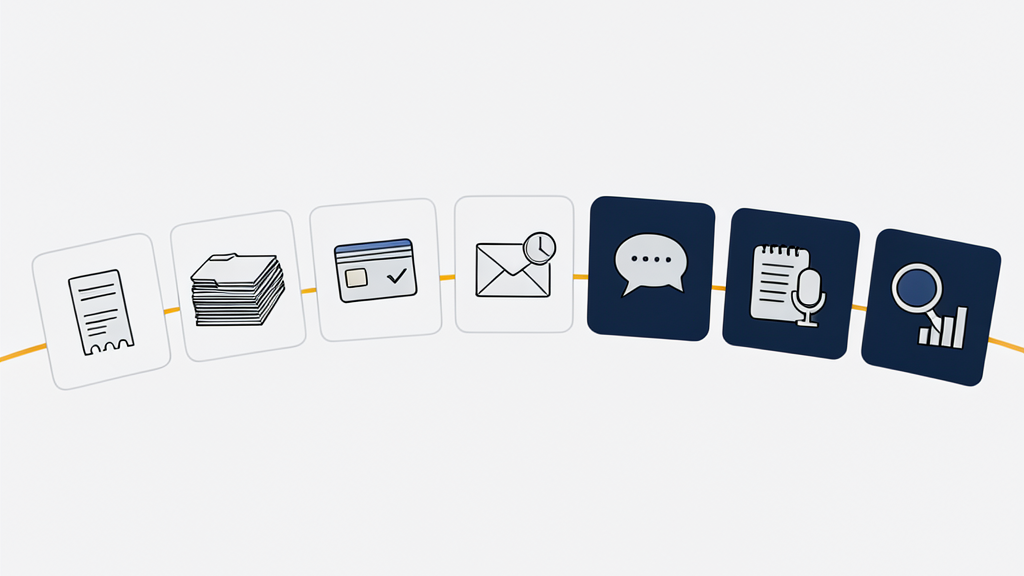
Each of these has the same shape. AI does the first pass, and a person checks the result before it goes anywhere.
Pulling data out of receipts, invoices and statements
AI can read a PDF or a photo of a receipt and pull out the supplier, the date, the GST, the amounts and the line items. It's quicker than keying them in, and it doesn't lose concentration on the four-hundredth receipt. A person still checks anything it marks as uncertain, and anything that doesn't add up.
Sorting and classifying incoming documents
Client documents arrive by email, by upload and as scans. AI can sort them into the categories your firm uses, file them against the right client and job, and tell you what's still missing. The categories are yours, so the sorting follows how your firm already works.
Bank reconciliation prep
Matching bank transactions to records is repetitive and follows rules, which suits software well. MYOB says its Smart Reconciliation matches transactions automatically, and you review the results and complete the reconciliation. It's rolling out progressively to eligible customers. Whatever does the matching, a person still reviews it and finishes the job.
Following up on missing information
Chasing clients for documents is repetitive and easy to put off. AI can draft reminders from what's outstanding on each job, in your firm's tone, and a person approves them before they go out.
First drafts of client emails and letters
Explaining a tax bill in plain English, covering an engagement letter, answering the same question for the tenth client this month: AI writes a good first draft of all of these. You edit it and send it. Never send AI-written client communication without reading it, and check how your AI tool handles client details first (see client confidentiality).
Meeting notes and file notes
AI can transcribe a client meeting and turn it into a file note with the actions agreed. Ask clients before you record a meeting. Then check the summary against what was actually said, because summaries can drop details or add ones that weren't there.
Answering questions across a client's data
Instead of building a report, you can ask a question in plain English, such as "What changed in this client's expenses compared with last year?" Xero and MYOB both now offer this inside their own software (more on that below). With the right setup, an AI assistant can also combine several sources at once. We've connected company data to Claude Desktop so staff can ask one question across several data sources.
What should stay with a person
AI is good at first drafts and first passes. It's bad at knowing when it's wrong, and it can state something false with complete confidence. That makes some work a poor fit for handing over:
- professional judgement and tax positions
- advice to clients
- signing off financial statements and returns
- anything filed with Inland Revenue
- conversations where a client is worried, upset or making a big decision
- the final read of anything that goes out under your firm's name
A useful test: if a mistake would be expensive or embarrassing, a person makes the call. AI can still prepare the work for them.

Client confidentiality and professional obligations
This section is a starting point, not legal or professional advice. Your obligations to clients don't change because a tool is new.
- Check your professional body's guidance. Chartered Accountants ANZ runs an AI resource centre for members.
- The Privacy Act 2020 applies to personal information in client files. The Privacy Commissioner's guidance on AI recommends doing a privacy impact assessment before you start using an AI tool.
- Find out what each provider does with your data. Xero says JAX chat doesn't use your data to train the AI models it uses. MYOB's AI page describes its security controls but doesn't say whether customer data is used to train its models, so ask before you rely on it.
- Read the terms for the plan you actually use. Free consumer chat apps and business or API plans can handle data very differently.
- Decide whether you need a client's permission before their information goes to an AI provider, and write down what you decided.
Built into Xero and MYOB, or a custom setup?
Start with what you already pay for. As of October 2026, according to each company's New Zealand website:
- Xero's JAX chat is available to all Xero subscribers, with no additional charge at the moment, although Xero reserves the right to change that. It answers business and financial questions, shows financial data in charts and tables, helps with admin such as creating invoices from quotes, and only shows information a user already has permission to see.
- MYOB's Ask Iris answers money and business questions inside MYOB Business, and is available now on Lite, Pro and AccountRight. AI Business Insights is in beta, Smart Reconciliation is rolling out to eligible customers, and the MYOB Connector, which lets Claude or ChatGPT query your MYOB data read-only, is in beta.
These features change quickly, so check what's live on your plan before you build a process around one.
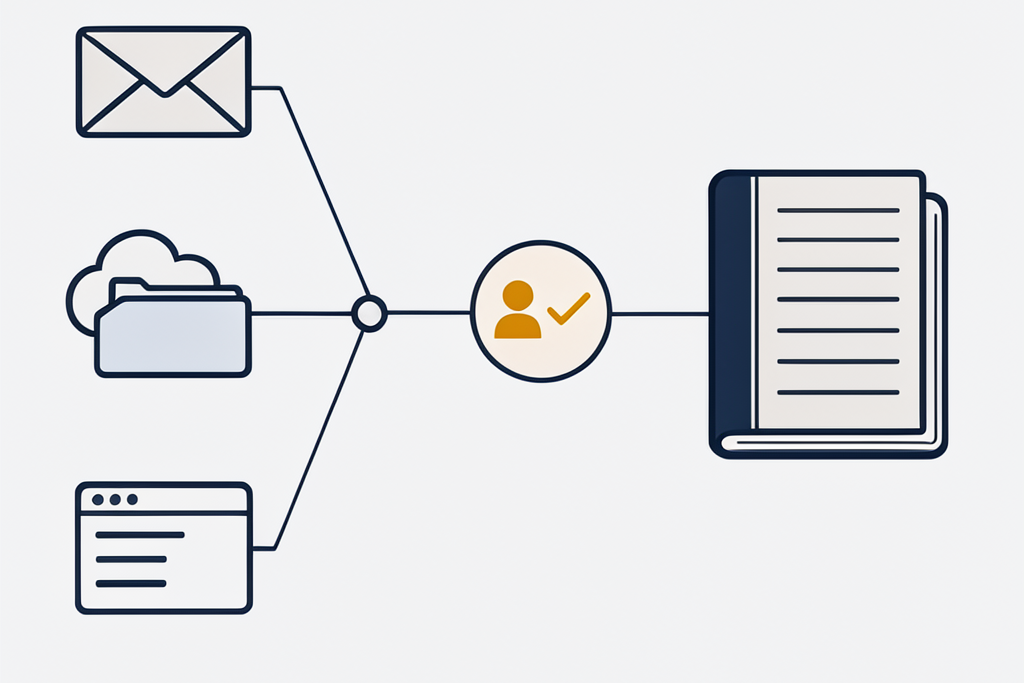
A custom setup makes sense when the built-in tools stop at the edge of one system. Client information usually lives in several places: the ledger, practice management software, document storage and email. You might want AI to work across all of those, to follow your own document categories and workflows, or to keep data on your own servers or in a data centre you choose. Built-in tools can't do that.
That's the kind of work we do. We've connected systems to Xero, built automations that classify documents into categories, and connected company data to Claude Desktop so staff can combine several sources in one question. See AI automation for how we build these, or AI consulting if you're still working out where AI fits in your firm.
Where to start
Pick one job from the list above, the one that eats the most hours in your firm, and try the AI already built into your accounting software first. Track how long the job takes for a month before and a month after. If the built-in tools fall short, you'll know exactly what you need from a custom setup, and that makes it quicker and cheaper to build.
AI for accountants: common questions
Is it safe to put client data into ChatGPT or Claude?
It depends on the plan and its terms, not the brand. Check whether your data is used for training, where it's stored and for how long, and who can see it. The Privacy Commissioner recommends a privacy impact assessment before client information goes into an AI tool. This isn't legal advice.
Will AI replace accountants?
No. It takes over preparation work such as data entry, matching, sorting and first drafts. Judgement, advice and sign-off stay with people.
Does Xero have AI built in?
Yes. JAX chat is available to all Xero subscribers, currently at no extra charge. It answers financial questions, shows your data in charts and tables, and helps with admin such as creating invoices from quotes.
Does MYOB have AI built in?
Yes. Ask Iris is available on MYOB Business Lite, Pro and AccountRight. Other AI features, such as AI Business Insights and the MYOB Connector for Claude and ChatGPT, are in beta or rolling out.
When does a firm need a custom AI setup?
When the built-in tools don't reach across your systems, don't follow your workflows, or can't keep data where you need it. Start with the built-in tools, then build only what's missing.